RoamMatch home

Practical travel guide

How to check whether your phone supports eSIM

Compatibility, carrier locks, and regional model differences explained simply.

5 min read
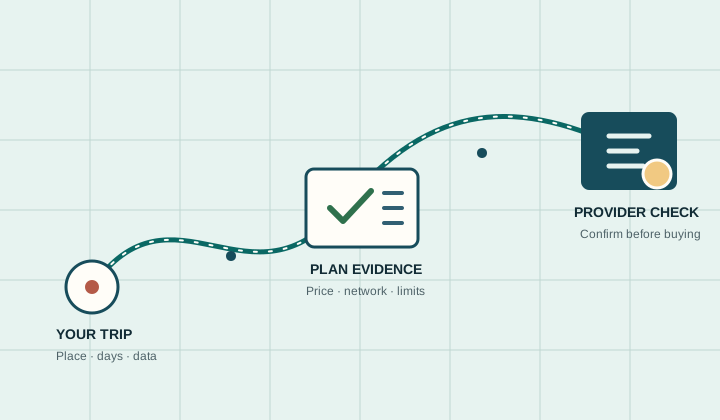
A route from trip details through plan evidence to the provider checkout
Trip context first. Evidence next. Provider checkout last.

Two conditions must be true

Your device model must support eSIM, and the phone must be unlocked for use with another carrier. A model name alone is not always enough because regional variants can differ.

Quick checks

Look for an Add eSIM or Add Cellular Plan option in your network settings. You can also consult the manufacturer's specification page for the exact model number.

  • iPhone: Settings → Cellular/Mobile Data
  • Pixel: Settings → Network & internet → SIMs
  • Samsung: Settings → Connections → SIM manager

Do not publish a universal device list without updates

Device compatibility changes frequently. A comparison site should link to current manufacturer or provider compatibility information and show a last-verified date.

Apply it to your trip

Build a trip-specific shortlist

Trip matcher

Build a shortlist for this trip.

Four choices shape the ranking. Results show source-backed plans and explain why they fit.

Search by country or region. Use the arrow keys to review suggestions.

Trip duration
10 days
Expected data use

Unlimited products are compared using the speed and hotspot rules published in their source record.

Trip requirements

What you will get

A short list with reasons, sources, and review dates.

  1. 1. Trip fitAllowance and validity matched to the selected trip.
  2. 2. EvidencePrice, network, hotspot, and review date where available.
  3. 3. Source trailReview date and official links attached to every result.